
How to Write Good Skills for Your AI Agents
Published on November 3, 2026 by Adrien Crovetto

Last week, you wrote a great prompt. The result was exactly what you wanted. This week, you need it again. You can't find it, you rewrite it from memory, and the answer comes out different.
The problem isn't your prompt. It's that a prompt is disposable. You write it, use it once, and it disappears into a conversation's history.
A skill fixes this. It's a prompt you write once, stored in a folder, that your agent rereads every time the task comes back. This article explains why skills are the new prompt engineering, how the open standard works, and 8 rules for writing skills your agent actually follows.
Part of our series on AI agents
Skills are one of the 5 building blocks of an agent. If you haven't yet, start with our complete guide to AI agents.
At a glance
| # | Section | What it changes |
|---|---|---|
| 1 | Skills are the new prompt engineering | You stop rewriting the same instructions |
| 2 | The Agent Skills standard | One skill works across many agents |
| 3 | 8 rules for writing a good skill | Your agent follows the procedure, not its imagination |
| 4 | A ready-to-use template | You start from a structure that works |
Skills are the new prompt engineering
Why it matters
Think of a new employee: you don't dictate every task out loud each morning. You give them access to your knowledge base, often the company drive. Depending on the task, they look up the right document, read the procedure and apply it.
Skills work exactly the same way for an AI: when you give it a task, it checks whether one of its skills can help. Then it loads that skill's content and applies it before answering you.
Over time, you build a collection of skills that becomes the core of your business. Your AI uses them without you even noticing.
Nothing you learned about prompts is lost. Being precise, giving examples, enforcing the output format: it all still applies, as we explain in how to write good prompts. The difference is that the effort compounds. A good prompt helps once. A good skill helps every time. A good skill library puts your business on autopilot.
The Agent Skills standard
Why it matters
If every tool invented its own format, you would have to rewrite your skills for each AI model. The Agent Skills standard solves this: the same skill works across several agents.
It's an open format, originally developed by Anthropic and then released as an open standard. Many tools support it today, including Claude Code, Cursor, GitHub Copilot, VS Code, Gemini CLI, OpenAI Codex and Haloon.
The idea is simple. A skill is a folder with a single required file:
my-skill/
├── SKILL.md          # Required: metadata + instructions
├── scripts/          # Optional: executable code
├── references/       # Optional: additional documentation
└── assets/           # Optional: templates, resources
SKILL.md starts with a short header (the frontmatter), followed by your instructions in plain Markdown:
---
name: client-follow-up
description: Writes a follow-up email after a client meeting. Use when the user mentions meeting notes, a follow-up or chasing a quote.
---

# Client follow-up

1. Read the meeting notes
2. ...
Only two fields are required:
| Field | Rule |
|---|---|
name | 64 characters max. Lowercase letters, digits and hyphens only. Must match the folder name. |
description | 1,024 characters max. Says what the skill does and when to use it. |
Four optional fields exist (license, compatibility, metadata, allowed-tools, the last one still experimental). Most skills don't need them.
Progressive disclosure: the idea that makes it all work
An agent can't read 50 skills in full before every task. So it loads them in three steps:
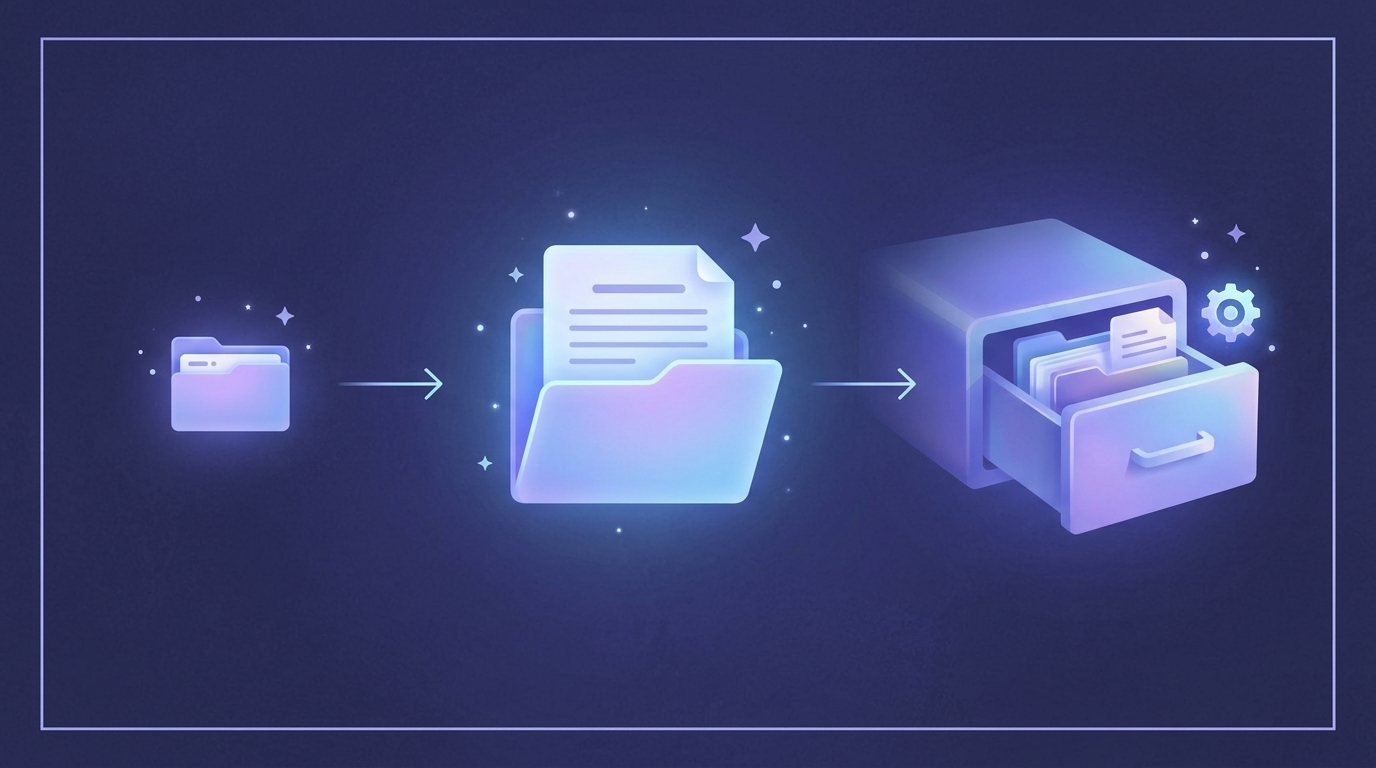
- Discovery: at startup, the agent only reads the
nameanddescriptionof each skill (about 100 tokens: fast and efficient). - Activation: when your request matches a description, it reads the full
SKILL.md. - Execution: it follows the instructions and only opens extra files when needed.
Two consequences for you. The description decides whether your skill will ever be used. And the body must stay light: the specification recommends under 500 lines and about 5,000 tokens.
8 rules for writing a good skill
1. Start from real work, not a blank page
Asking an AI to "write a skill about X" gives you vague advice like "follow best practices". Instead, do the task once with your agent. Correct it along the way. Then turn what worked, and what you had to correct, into a skill.
| ❌ | ✅ |
|---|---|
| Write me a skill for client emails | Write 3 real client emails with the agent, note every correction, then write the skill |
2. Write the description as a trigger
The description is what the agent sees at all times. It must say what the skill does and when to use it, in the words you would actually use.
| ❌ | ✅ |
|---|---|
| Help with emails | Writes follow-up emails after a client meeting, in our tone. Use when the user mentions meeting notes, a follow-up or a quote reminder. |
| Writes a blog post | Writes, designs and publishes the company's blog posts. Handles the whole lifecycle: writing, image and video generation, publishing and SEO performance |
3. Add what the agent doesn't know. Cut the rest
The agent already knows what an email is. It doesn't know your tone, your signature, or that you never send a quote without an expiry date. For every line, ask yourself: "Would the agent get it wrong without this?" If not, delete it.
4. One skill, one coherent job
There is a balance to find in how much ground a SKILL.md file covers:
- Too narrow, and several skills have to load for a single task. You use more tokens and your agent takes longer to answer.
- Too broad, and the skill never triggers precisely. Or it triggers for the wrong reasons and you get a wrong result.
| ❌ | ✅ |
|---|---|
| Handle everything related to clients | Write a client follow-up |
5. Give a default, not a menu
When several approaches work, pick one and mention the alternative in one line.
| ❌ | ✅ |
|---|---|
| You can write a short, medium or long email, formal or casual. | Write 5 to 8 lines, formal tone. For long-standing clients, use their first name |
6. Keep a "Gotchas" section
The most valuable content in a skill is often a short list of traps the agent keeps falling into. Every time you correct the agent, add the correction here (the standard calls them "Gotchas").
## Gotchas

- Our quotes are valid for 30 days. Always write the exact expiry date.
- Never promise a delivery date. Write "we will confirm by Friday".
7. Strict where it's fragile, free elsewhere
A tone of voice tolerates variation: explain the why and let the agent adapt. A legal notice or a command that must run exactly as written: write "do not modify".
8. Test, read the traces, iterate
Your first version will be wrong somewhere. Run the skill on real tasks. Look at what the agent did, not just the result. Instructions that are too vague push it to try several approaches. Instructions that don't apply, it follows anyway. Cut, clarify, rerun. A single round already makes a clear difference in quality.
Tip
Need more detail? Don't add it to SKILL.md. Put it in references/ and tell the agent when to read it: "Read references/pricing.md if the client asks for a discount." A vague "see references" won't be followed.
A ready-to-use template
Copy this, replace the brackets, and save it as SKILL.md in a folder named after your skill.
---
name: [short-name-with-hyphens]
description: [What it does]. Use when [situations and keywords that should trigger it].
---

# [Skill title]

## Procedure

1. [First step, with the exact source to read]
2. [Second step, with the default choice]
3. [Check before finishing]

## Output format

[Short template of the expected result]

## Gotchas

- [Trap the agent falls into, and the fix]
- [Another one]

## Never

- [What needs human approval, for example: never send, only prepare a draft]
With Haloon Agent
Your team's processes become skills, and your agent becomes skilled at the way you work. We help you write and set up your SKILL.md files.
Summary
| # | Rule | Why |
|---|---|---|
| 1 | Start from real work | Real corrections beat generic advice |
| 2 | Write the description as a trigger | It decides whether the skill gets used |
| 3 | Add what the agent doesn't know | Every useless line costs attention |
| 4 | One skill, one job | Precise activation, no conflicts |
| 5 | Give a default, not a menu | Less hesitation |
| 6 | Keep a Gotchas section | The most valuable lines |
| 7 | Strict where it's fragile, free elsewhere | Control without rigidity |
| 8 | Test and iterate | The first draft is never the last |
A skill is a small file with a big effect: you write your expertise once, and your agent applies it every time. Start with a task you repeat every week and write its skill today.
Want to see it in action? Try Haloon and turn your first routine into a skill. To go back to the basics, read our complete guide to AI agents.